 FilterGrid - Photo Editor

FilterGrid - Photo Editor
by RC PLATFORM
libre
non disponible
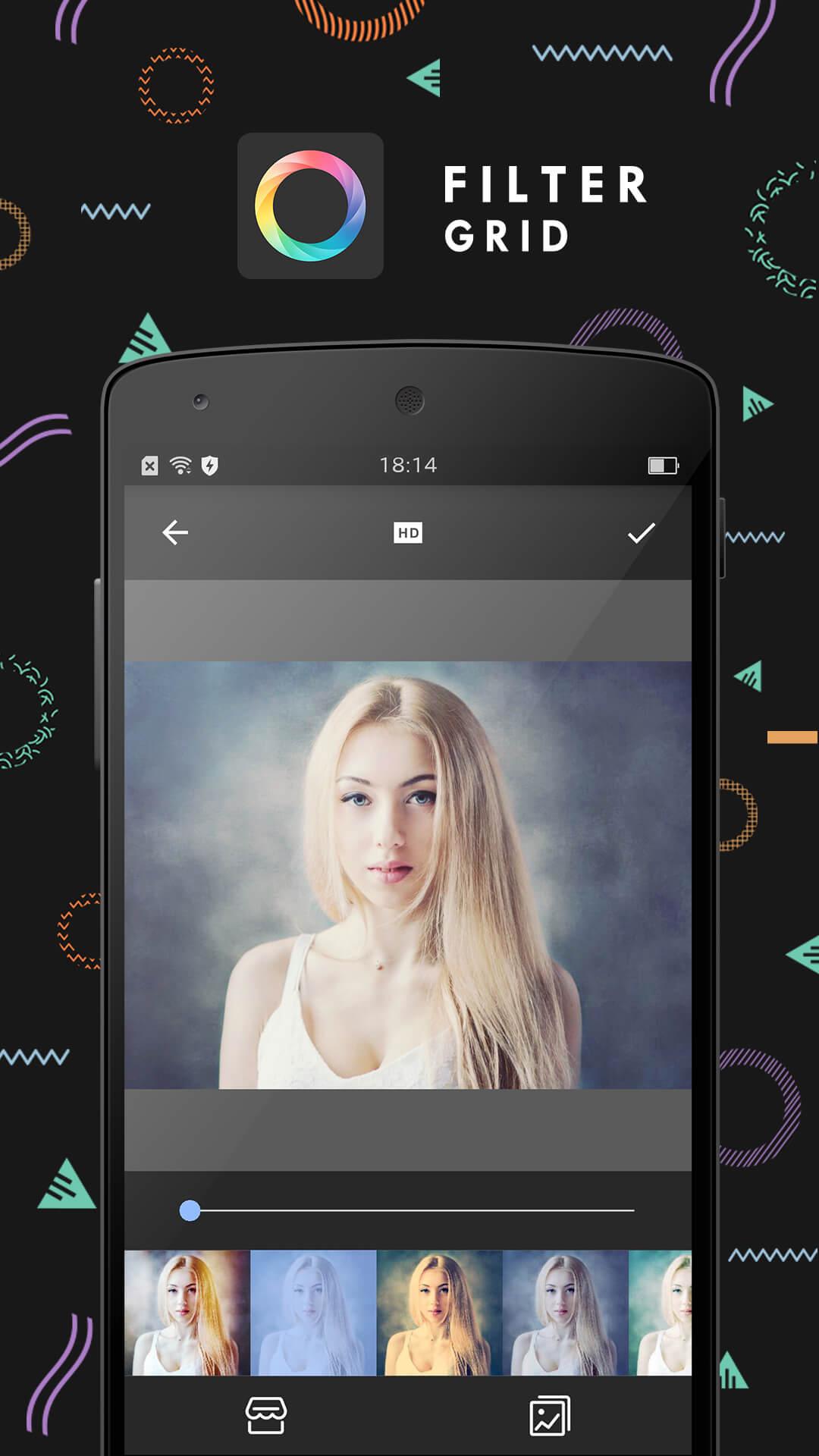
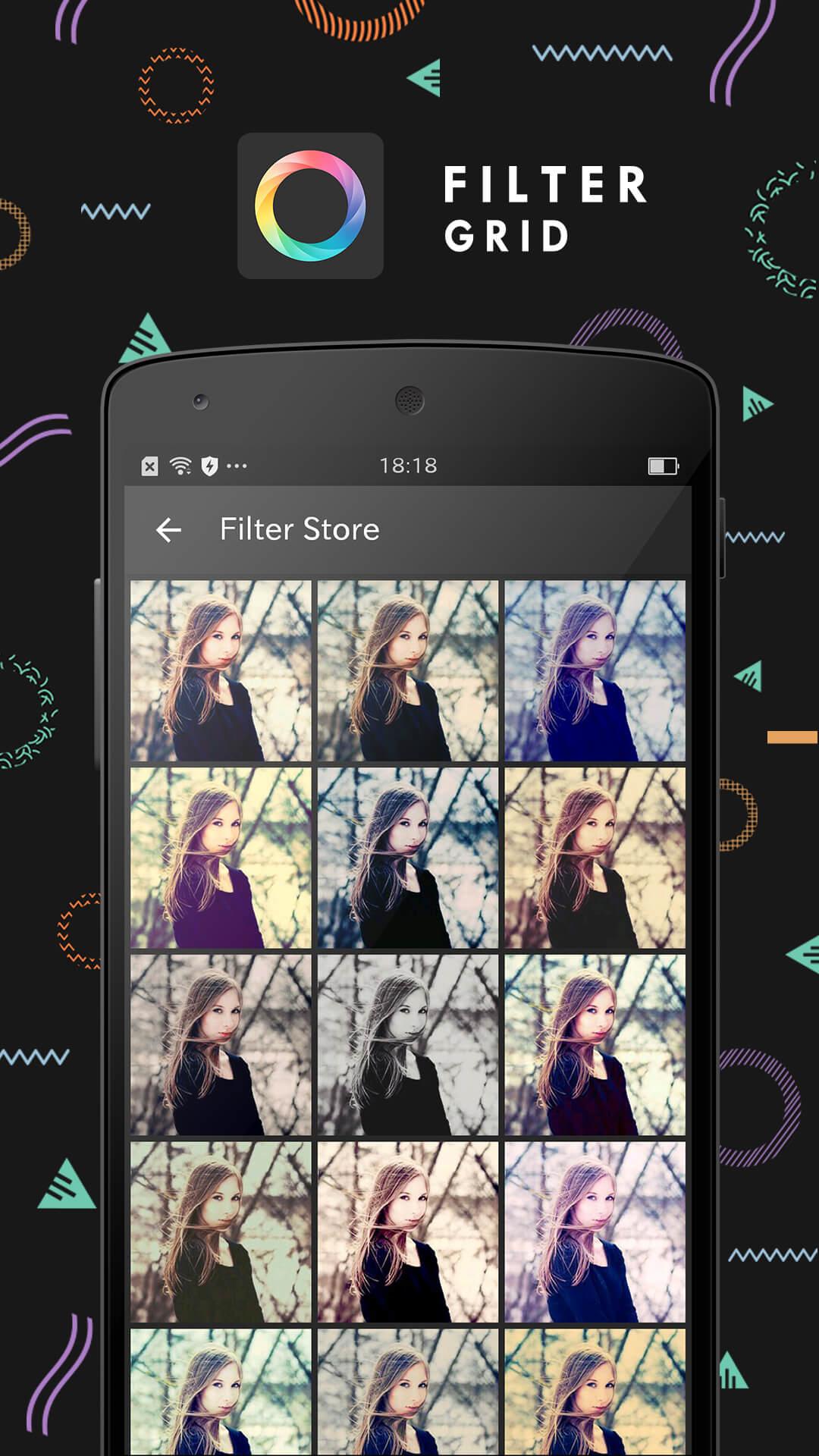
FilterGrid vous permet de combiner plusieurs filtres dans une photo pour créer des effets étonnants.Utilisez les 44 types de modèles et différents types de combinaisons de filtres prédéfinis pour afficher rapidement une variété de styles.Bien sûr, vous pouvez toujours utiliser les 65 sortes de combinaisons de filtres pour créer vos propres effets de filtre.
Fonctions principales:- 23 modèles d'épissageRépartissez les photos dans différentes grilles, dans chaque grille vous pouvez utiliser un effet de filtre différent. -21 modèles de formeAu sein la photo, répartissez la photo et utilisez des effets de filtre séparés, la forme peut également être déplacée et compressée.- 65 FiltresEffectuer toute combinaison pour obtenir l'effet désiré- Réglage de la photoRégler la luminosité, le contraste, la saturation, la température de couleur et la netteté de tout élément particulier de la grille à l'intérieur d'un modèle.- 5 types de rapport1:1 3:4 4:3 16:9 9:16- Poster sur Instagram sans couperPoster des photos avec différents rapports sur Instagram sans couper une partie d'entre elles (Doit être téléchargé individuellement)- Facile à partagerPartagez vos créations en utilisant Instagram, Facebook et toute autre application que vous avez installé.
N'oubliez pas d'ajouter #filtergrid lors du partage sur Instagram pour obtenir plus de possibilités de promotion pour vos photos.Suivez-nous sur notre compte officiel Instagram: @filtergrid pour avoir plus d'inspiration.
Avez-vous des suggestions ou des problèmes Contactez-nous par e-mail: [email protected]
Fonctions principales:- 23 modèles d'épissageRépartissez les photos dans différentes grilles, dans chaque grille vous pouvez utiliser un effet de filtre différent. -21 modèles de formeAu sein la photo, répartissez la photo et utilisez des effets de filtre séparés, la forme peut également être déplacée et compressée.- 65 FiltresEffectuer toute combinaison pour obtenir l'effet désiré- Réglage de la photoRégler la luminosité, le contraste, la saturation, la température de couleur et la netteté de tout élément particulier de la grille à l'intérieur d'un modèle.- 5 types de rapport1:1 3:4 4:3 16:9 9:16- Poster sur Instagram sans couperPoster des photos avec différents rapports sur Instagram sans couper une partie d'entre elles (Doit être téléchargé individuellement)- Facile à partagerPartagez vos créations en utilisant Instagram, Facebook et toute autre application que vous avez installé.
N'oubliez pas d'ajouter #filtergrid lors du partage sur Instagram pour obtenir plus de possibilités de promotion pour vos photos.Suivez-nous sur notre compte officiel Instagram: @filtergrid pour avoir plus d'inspiration.
Avez-vous des suggestions ou des problèmes Contactez-nous par e-mail: [email protected]